


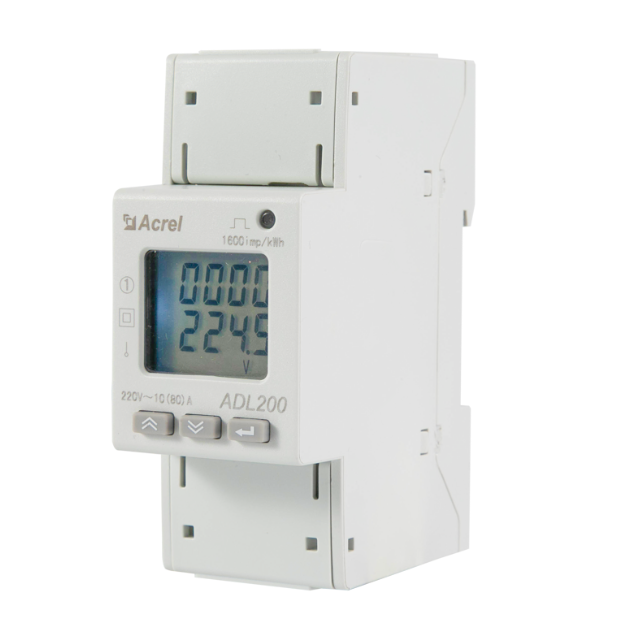
KWh Class 1 ADL200 Din Rail Energy Meter พร้อมจอแสดงผล LCD แบบดิจิตอล
ชื่อผู้ติดต่อ : Dina Huang
หมายเลขโทรศัพท์ : 18761502682
WhatsApp : +8618761502682

| จำนวนสั่งซื้อขั้นต่ำ : | 1 | ราคา : | 45 USD/unit |
|---|---|---|---|
| รายละเอียดการบรรจุ : | กล่องบรรจุ 33*24*18 ซม | เวลาการส่งมอบ : | 7 วันทำการ |
| เงื่อนไขการชำระเงิน : | ที/ที | สามารถในการผลิต : | 100 ชิ้นต่อวัน |
| สถานที่กำเนิด: | มณฑลเจียงซู | ชื่อแบรนด์: | Acrel |
|---|---|---|---|
| ได้รับการรับรอง: | MID | หมายเลขรุ่น: | เอดีแอล200 |
|
ข้อมูลรายละเอียด |
|||
| แรงดันไฟฟ้าที่ได้รับการจัดอันดับ: | ไฟ AC220V | จัดอันดับปัจจุบัน: | 10(80)อ |
|---|---|---|---|
| การสื่อสาร: | RS485(MODBUS-RTU) | แสดง: | จอแสดงผล LCD |
| หลายภาษี: | อัตราภาษี 4 อัตรา (สไปค์ พีค หุบเขา และแฟลต kWh) | ||
รายละเอียดสินค้า
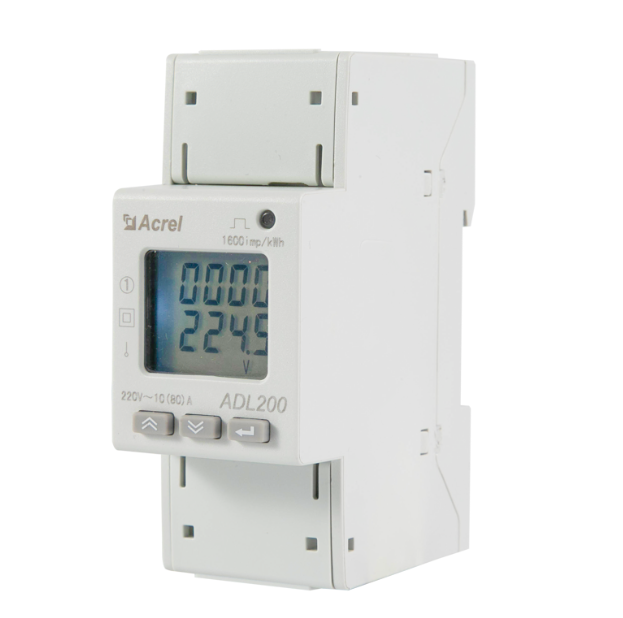
ADL200 din rail energy meter adopts DIN35mm din rail installation with LCD display,it can measure electric parameters and has energy pulse output, RS485 communication,which has the advantages of small size, high precision, good reliability and convenient installation.
Basic Specification
Display
Dimension
Network
FAQ
Q:The display power or energy count is inaccurate after the meter powered on.
A:Switch the meter display interface to the power (active power P, power factor λ) interface, and check whether the power display is negative or not.And whether the power factor is between 0.9-0.95, and then check whether the incoming and outgoing wires of the current signal wire are connected reversely (that is, the current The incoming wire must be the same as the incoming wire end of the meter), and consistent with the wiring diagram on the meter.
Q:It cannot communicate with the host computer normally after the instrument powered on.
A:1. The voltage value between the communication output A and B of the measuring instrument should be between +(4.4-4.5)V .
2. Check whether the communication wiring method is correctly wired according to the wiring diagram (that is, the communication terminal A/B of the instrument must be connected with Corresponding to communication serial port A/B);
ป้อนข้อความของคุณ
| Jiangsu Acrel Electrical Manufacturing Co., LTD. |
| No. 9 Xincheng Road, Chengjiang Street, Jiangyin City, Jiangsu Province, China |
| 86--18761502682 |
| dina.huang@email.acrel.cn |